

GOAL TRACKING SOFTWARE FOR TEAMS
Set and track team goals without spreadsheets
Align priorities, track progress and stay accountable with simple OKR workflows.
Used by product, operations and leadership teams
Turn company priorities into visible progress
Set goals, assign ownership and track updates without chasing status across spreadsheets and meetings.

Align teams around shared priorities
Make company goals visible across departments so everyone works toward the same outcomes.

Track progress without status meetings
Replace scattered updates and spreadsheets with structured weekly progress tracking.

Spot risks before deadlines slip
Confidence signals highlight stalled goals early so teams can adjust before reporting cycles.
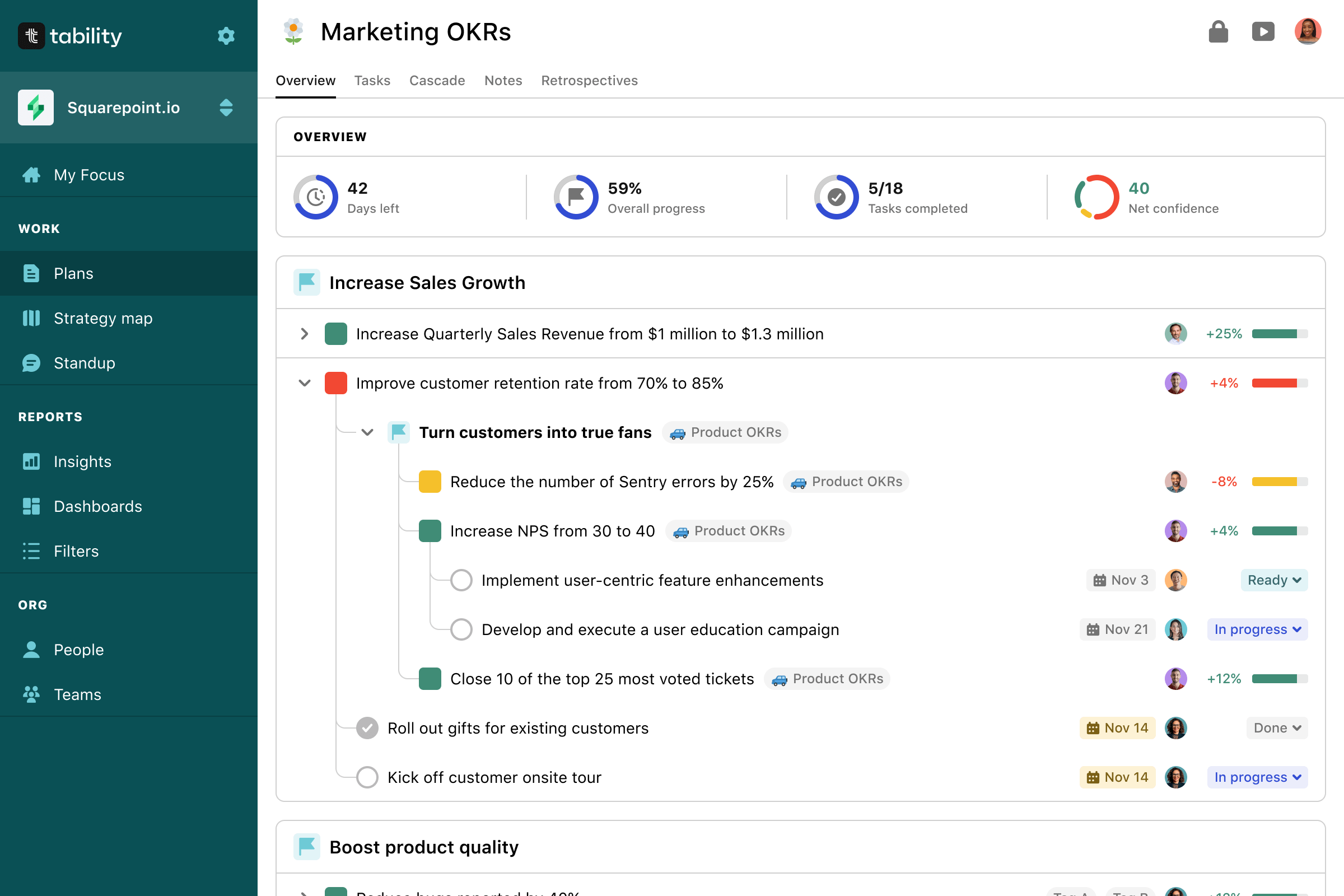
Track progress across teams in one shared view
SMART ASSISTANCE
Your personal OKR assistant
Get suggestions, track updates automatically and keep your team aligned without manual follow-ups or spreadsheet chasing.
-
 Suggests goal updates automatically
-
 Flags risks before deadlines slip
-
 Keeps weekly progress visible

AI tracks progress automatically
ASSISTANT CAPABILITIES
What your AI assistant helps you do
Automatically track progress, surface risks early and keep your team aligned without manual follow-ups.

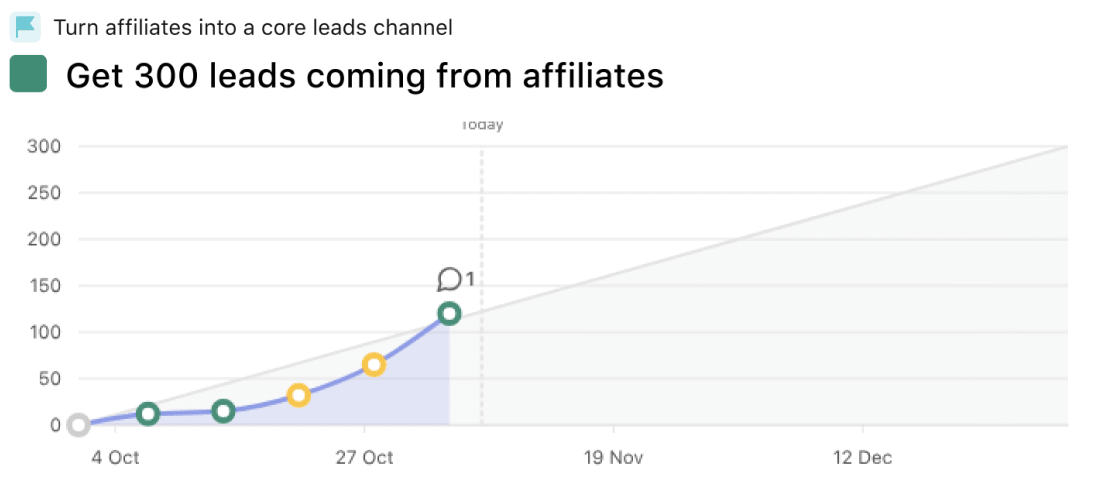
Suggests goal updates
AI turns activity signals into recommended adjustments so teams stay aligned without chasing status updates.


Flags risks before deadlines slip
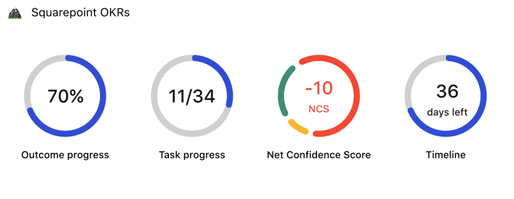
Detect stalled objectives early and surface issues before they impact delivery timelines, so teams can act and stay on track.
 Risk alert
Outcome progress: 70%
Confidence: Low
Status: At risk

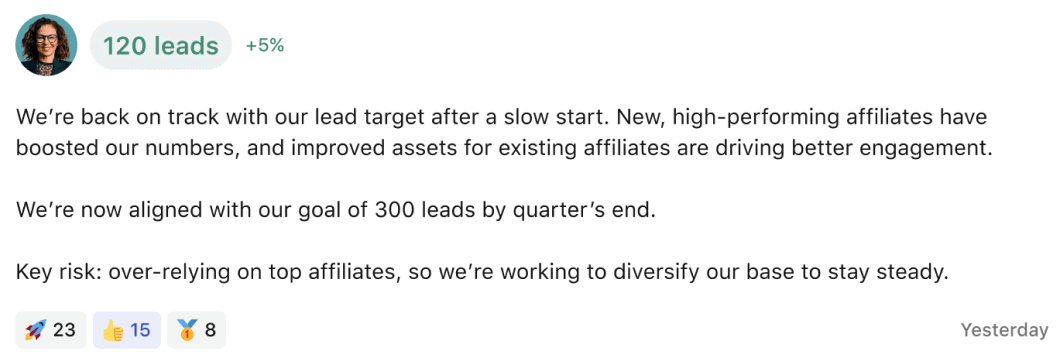
Keeps weekly progress visible
Summarizes updates across teams so leadership always understands what's moving forward.
 Weekly summary
120 leads (+5%)
2 blockers detected
Next milestone: Dec 12
How the assistant works
It reads goal structure, team signals and weekly updates to generate recommendations automatically.


Builds your execution foundation
It reads goal structure, team signals and weekly updates to generate recommendations automatically.


Reads team progress signalss
The assistant monitors updates, confidence levels, and blockers across teams to detect when execution slows.

Generates guidance automatically
Based on workspace signals, the assistant surfaces risks, trends and recommendations in real time.

Connect Tability with the tools your team already uses
Keep progress visible across Slack, Jira, Teams and your existing workflow.
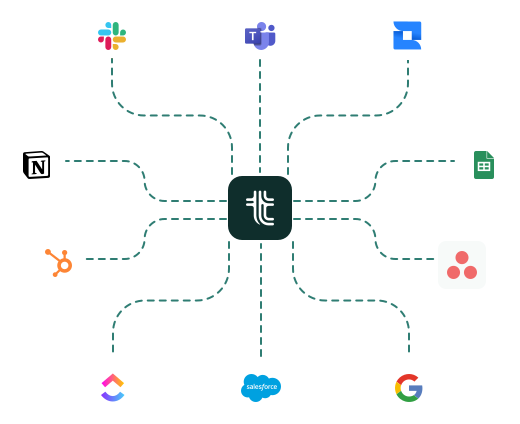 Browse our integrations
Scattered updates. Hard to stay aligned.

Spreadsheets
Multiple versions and manual updates


Slack messages
Important updates get buried in channels

Email threads
Context is lost and follow-ups slip

Status meetings
Time-consuming and not always up to date
Everything your team needs, visible in one place.

Outcome progress

 12% vs last week

Confidence
Medium


Weekly summary
Sent to 12 stakeholders every Monday
 On schedule
TRUSTED BY MODERN TEAMS
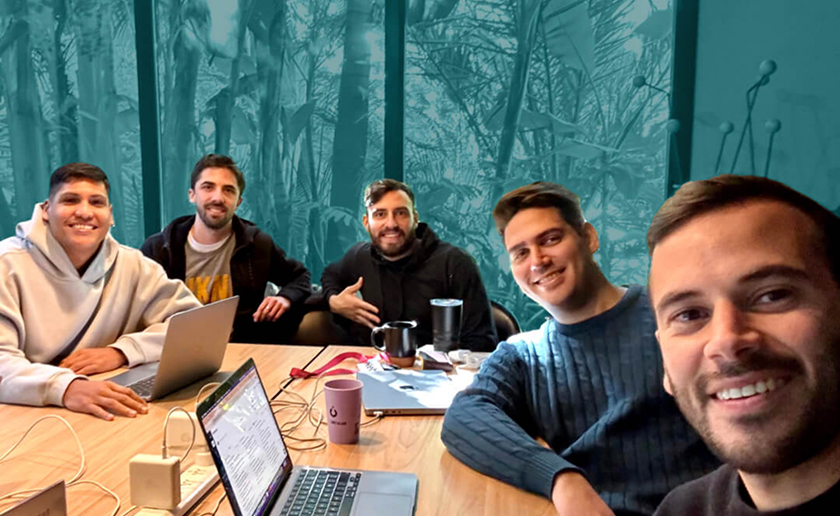

“We have more visibility on what's going on with each department. You can understand how things are moving forward.”
Nahuel Candia
CEO @ Rebill
A strategic partner for modern teams










We'll help you become OKR champions
We're a product company, but we also have strong opinions on the right way to use OKRs. We've published many popular guides and recorded hours of tutorials and masterclasses.
Additionally, we've created an innovative goal-setting AI that can both create a complete strategy for you and give you feedback on your existing goals.
AI assistance

Your own personal OKR Agent
From tracking to reporting, Tabby can automate a lot of the OKR busy-work
AI goal setting
Use our chatbot to generate and set your perfect OKR plan in seconds
Guides

OKRs for Startups
All-in-one guide to everything you need to get started with OKRs
OKR Implementation Guide
Step-by-step guide to successfully implementing OKRs in your teams
ODT: Tability Blog
Best practices and thought leadership around StratOps, OKRs, and remote work
Free tools

OKR Generator
Instantly generate relevant OKRs to help you get started
OKR Template Library
Hundreds of OKR examples to help you start your own plan
KPI Examples
Looking for relevant KPIs to use with your team? Look no further
Better OKRs start today
Get started today with a free 14-day trial

Project Notes
A personal SaaS landing page redesign and frontend implementation inspired by Tability, focused on clearer product communication, responsive layouts and modern UI structure for first-time visitors.

Built with


Personal Project
Redesign & frontend implementation

Inspired by Tability
Exploring clearer OKR communication

Focus Areas
AI workflows, dashboard UI, responsive layouts and visual hierarchy

Audience
First-time visitors unfamiliar with OKRs